Nutrition PRO
Calories and nutrients per serving, estimated from the ingredients.
Recipe app for iPhone & Android
The ones scattered across screenshots, saved posts, twelve open tabs and a cookbook on the shelf. Send them to RecipeGo and get back something you can actually cook from.

Free to download. The free plan is a real plan, and it does not expire.
How it works
Most of them cost nothing, because most of the time no AI is needed.
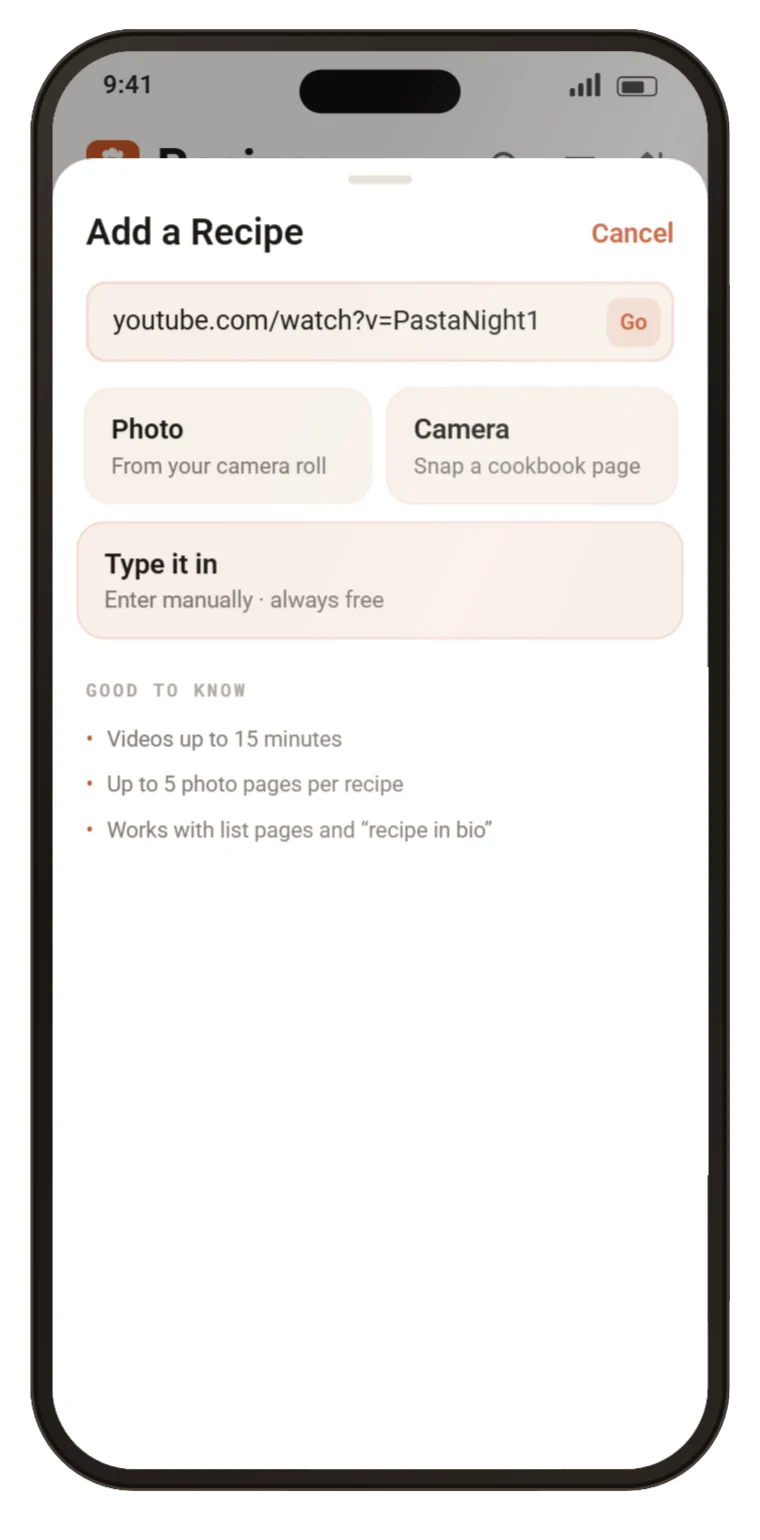
Most recipe sites publish their recipe in a format we can read directly. When they do, the import takes about a second, costs nothing, and no AI is involved at all. That is the majority of the web.
Including the ones where the recipe is only in the video. If the creator links a written recipe, we use that — often at no cost. If not, we read the description, then the video itself. Public videos up to 15 minutes.
A cookbook, a handwritten card, a screenshot. Photograph several pages of one recipe and they are read together — so the method on page two ends up on the same recipe as the ingredients on page one.
From anywhere. No AI allowance needed, always available, and the fallback whenever a site refuses to be read — so an import is never a dead end.
Features
Saving a recipe is the easy half. The rest is what happens at six o'clock on a Tuesday.
Review
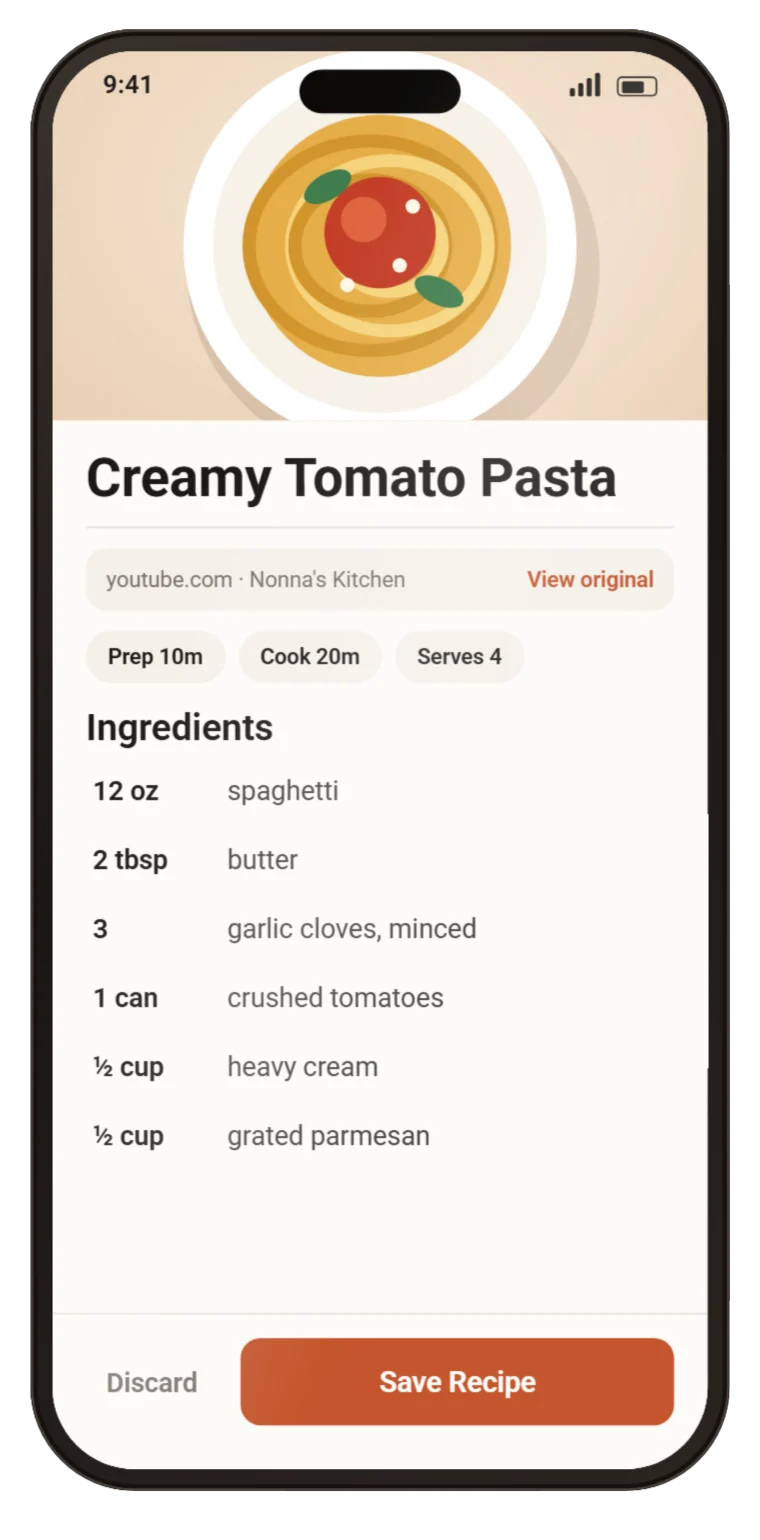
Every AI import lands on a review screen first, with a link back to the original. Nothing reaches your library until you have read it and said yes.
Library
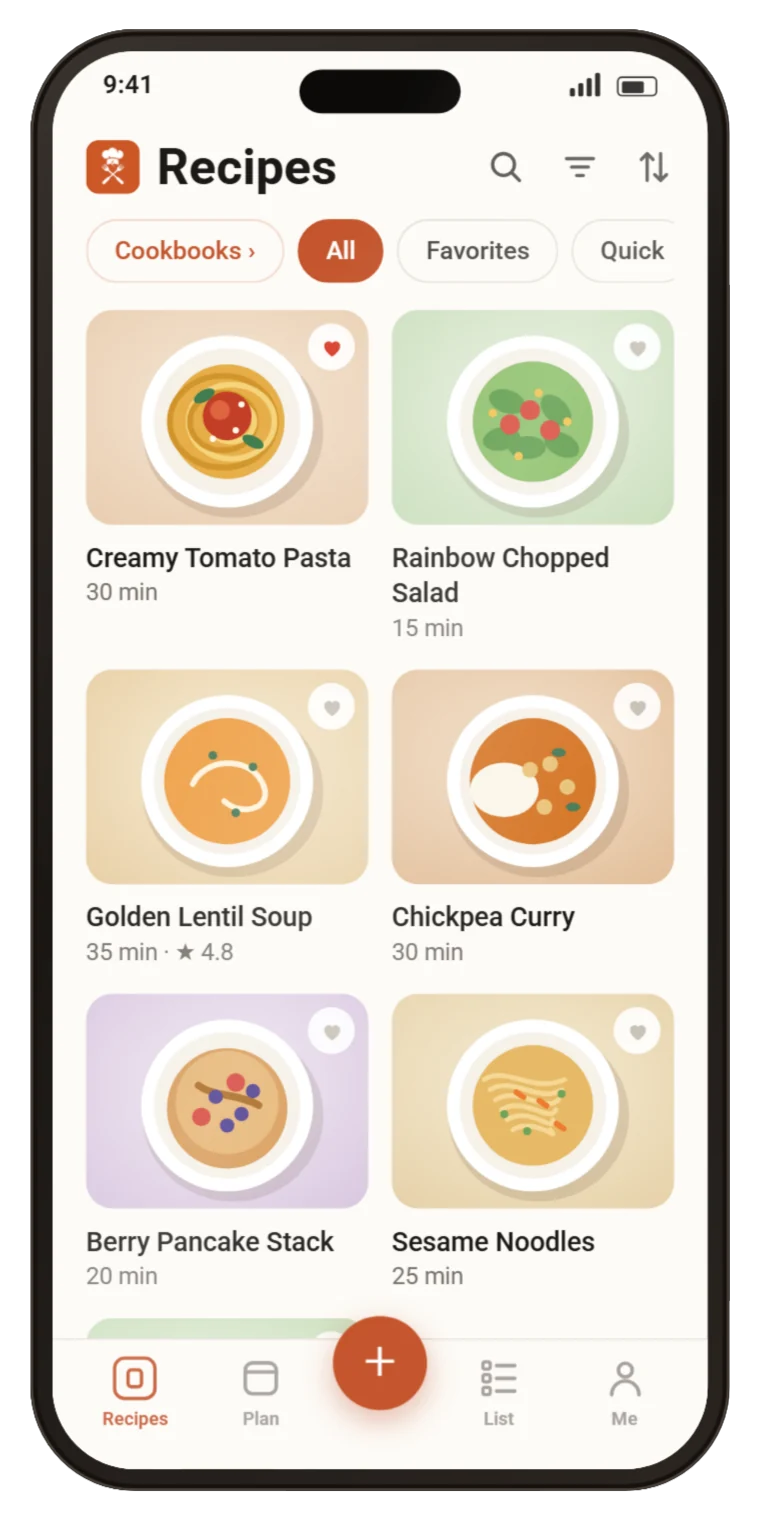
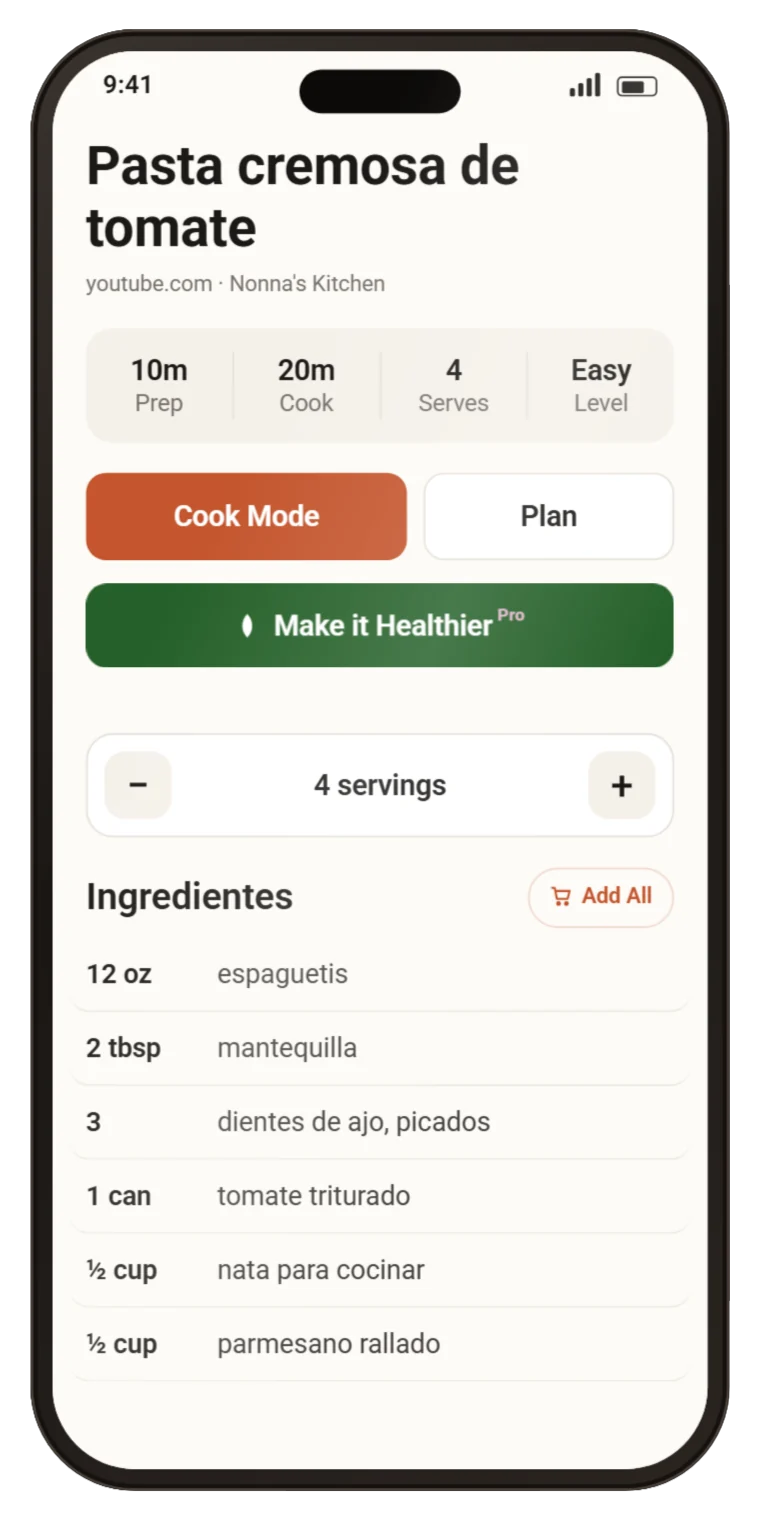
Search titles, ingredients and steps. Filter, sort five ways, heart the keepers and gather them into cookbooks.
Servings
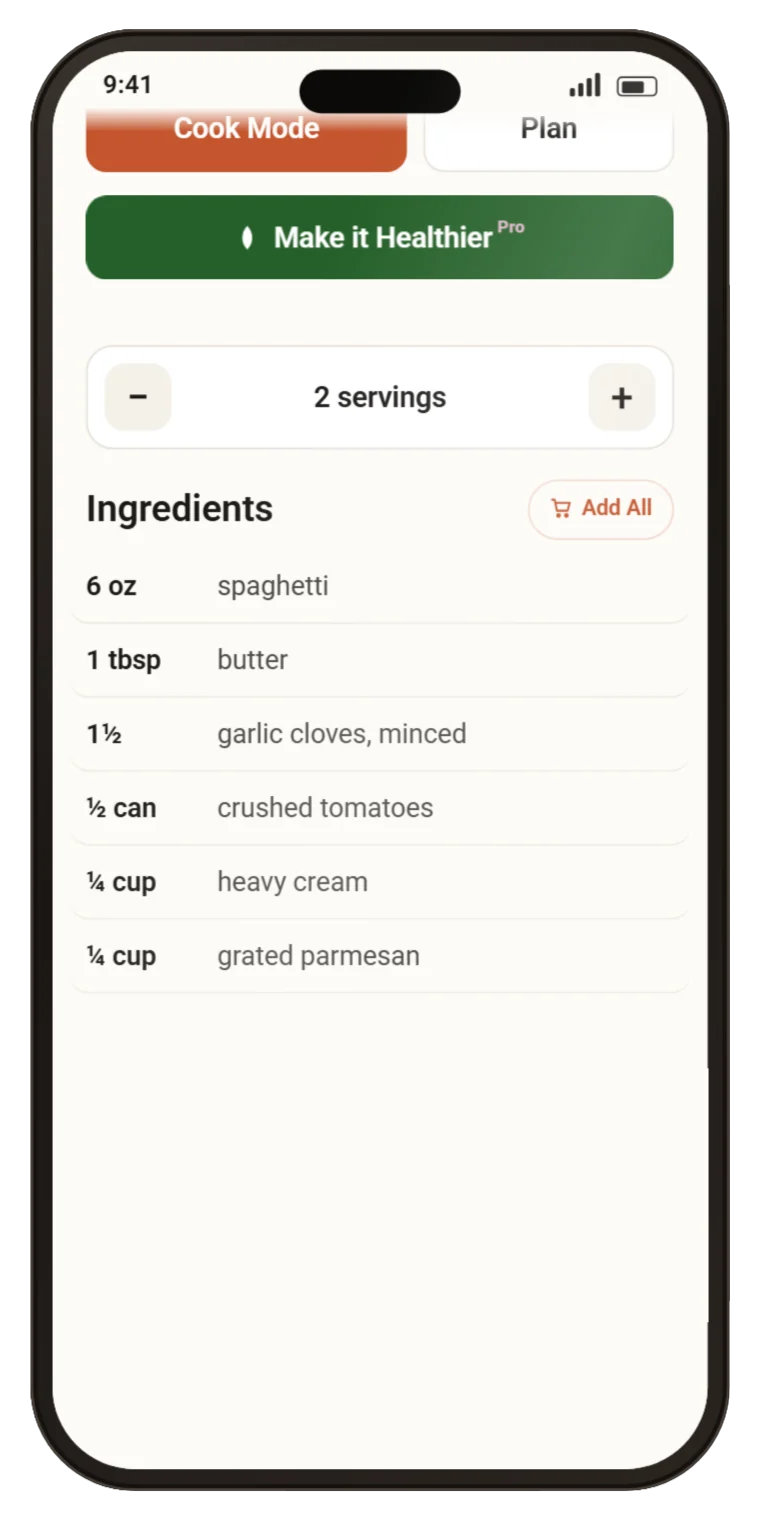
Cooking for two instead of six. Quantities rescale as fractions a person would actually measure, not decimals.
Translate PRO
Read any recipe in more than 30 languages. The words change; quantities and timers stay exactly as they were.
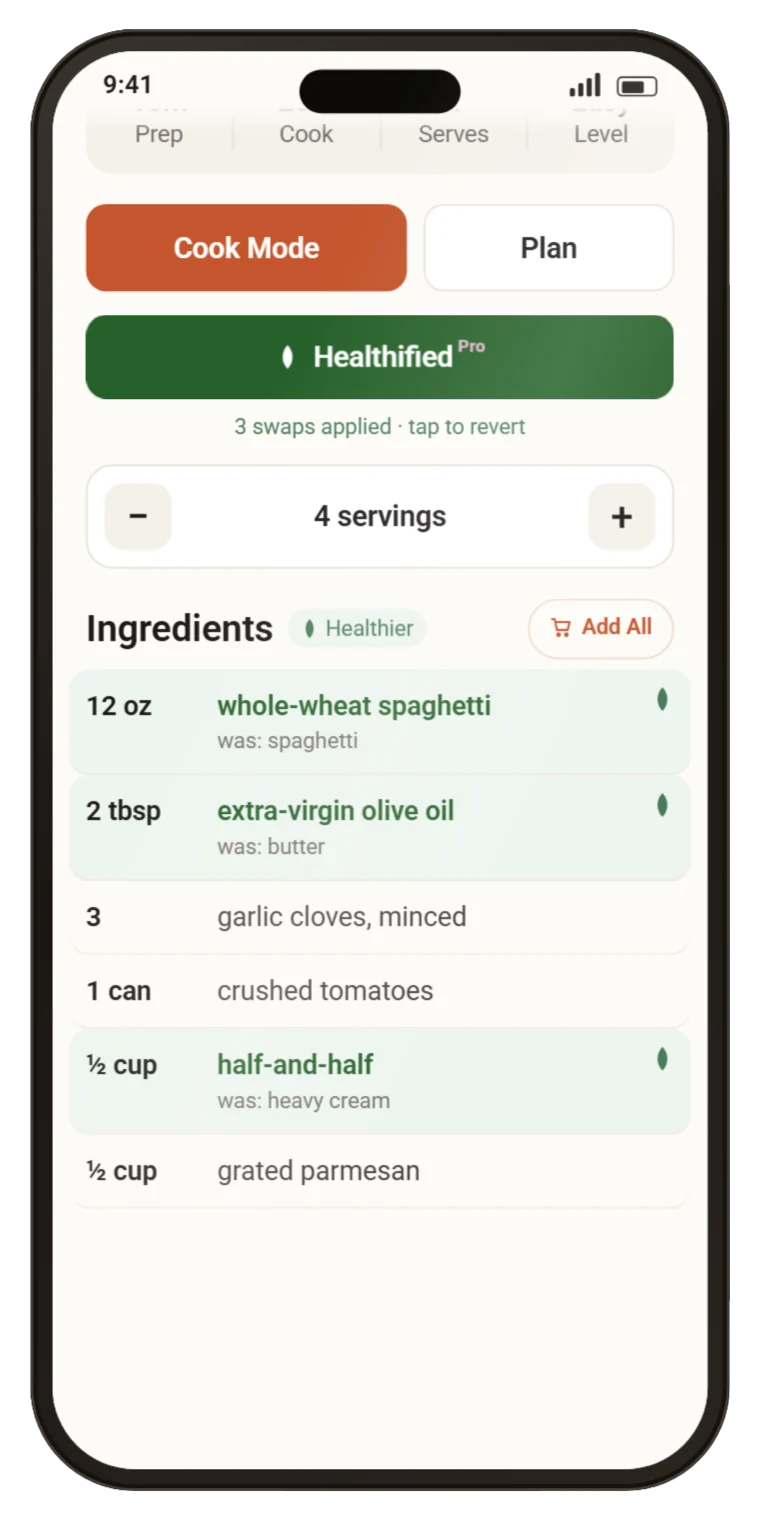
Healthier PRO
One tap suggests lighter swaps, and every change is shown beside what it replaced. The original is always a tap away.
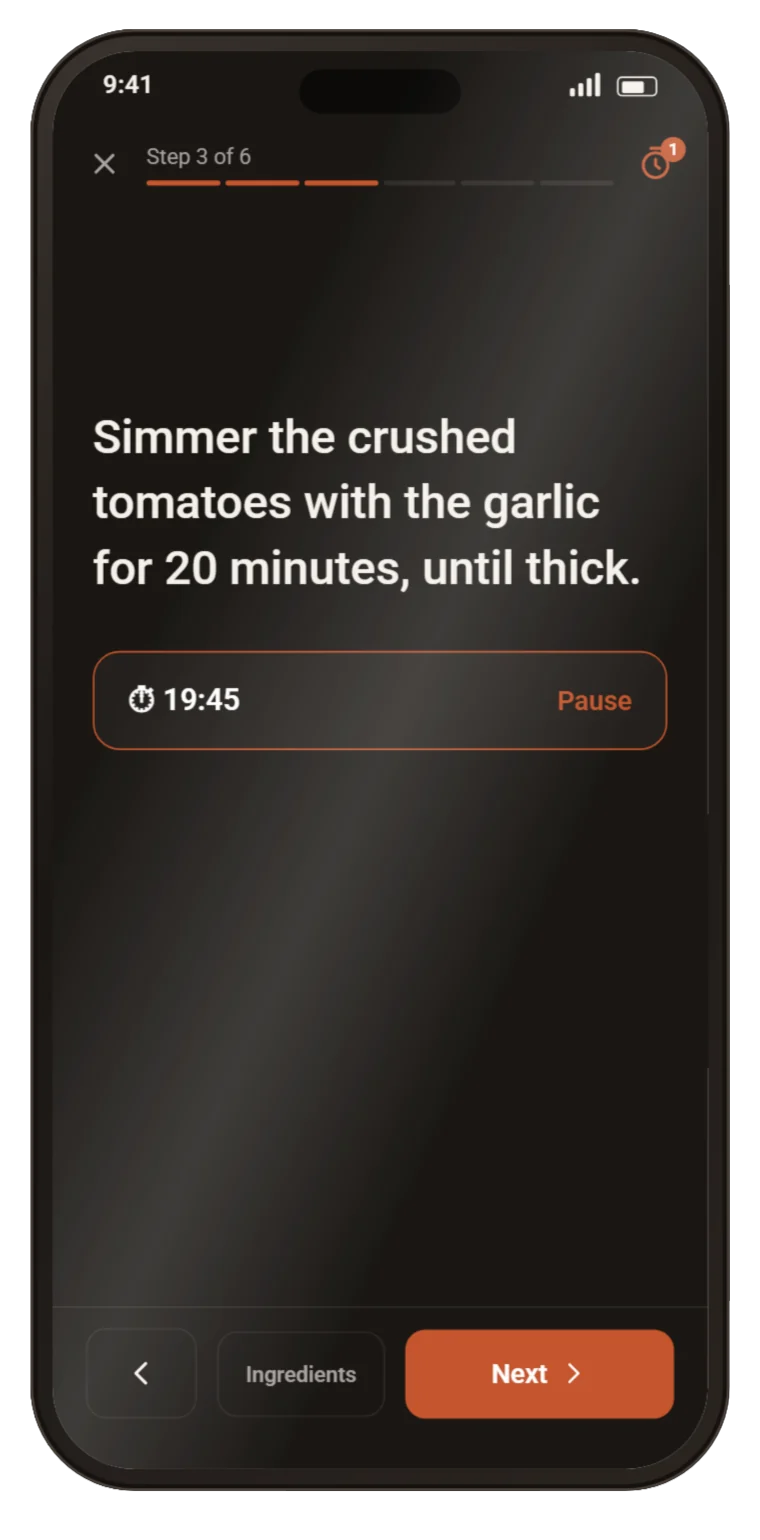
Cook mode
Big type, one step at a time, screen stays awake. Timers written into a step become timers you can tap, and they still ring with the app in your pocket.
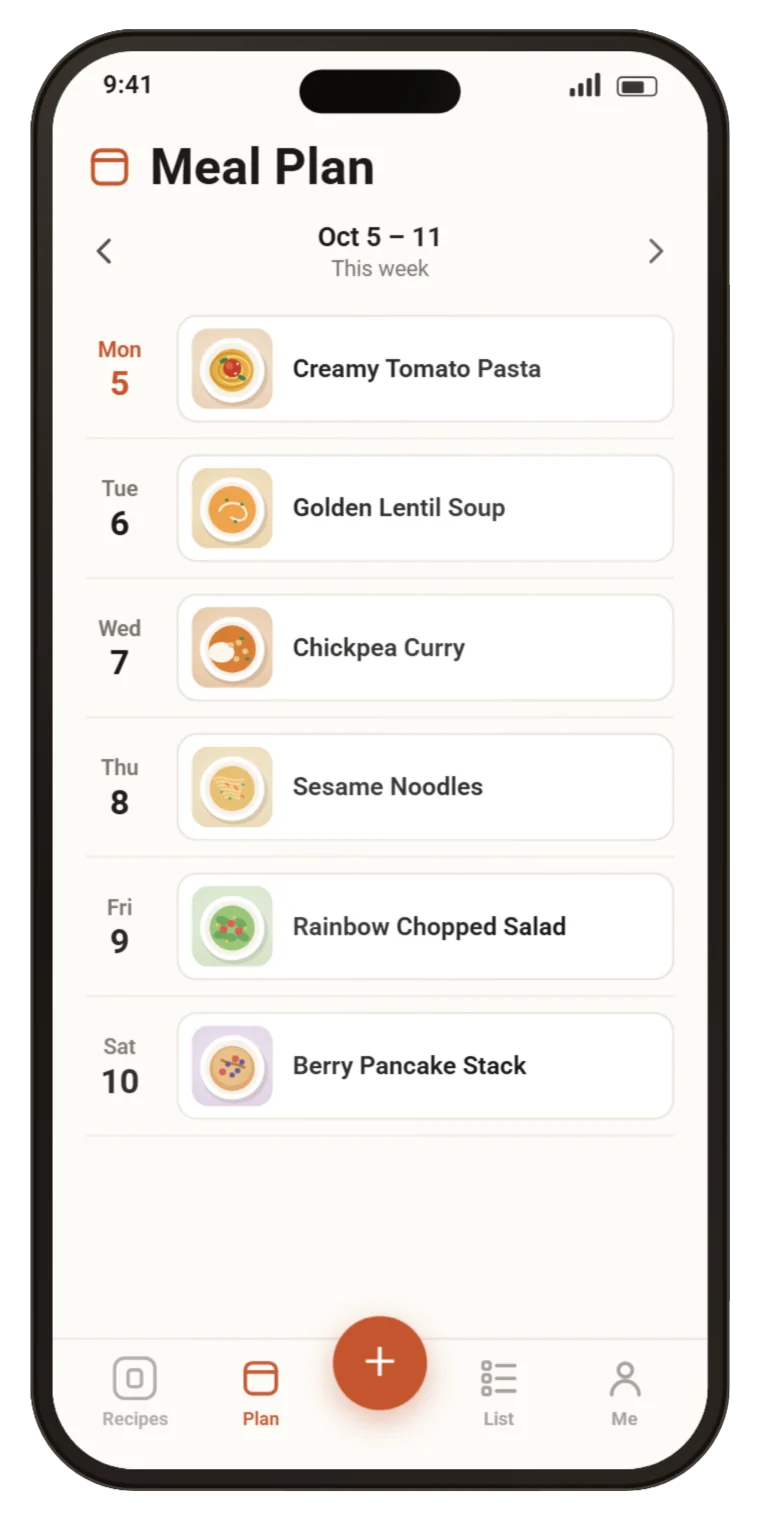
Meal plan
Put a recipe, or just a note, on any day. When a week worked, copy it into the next one.
Shopping list
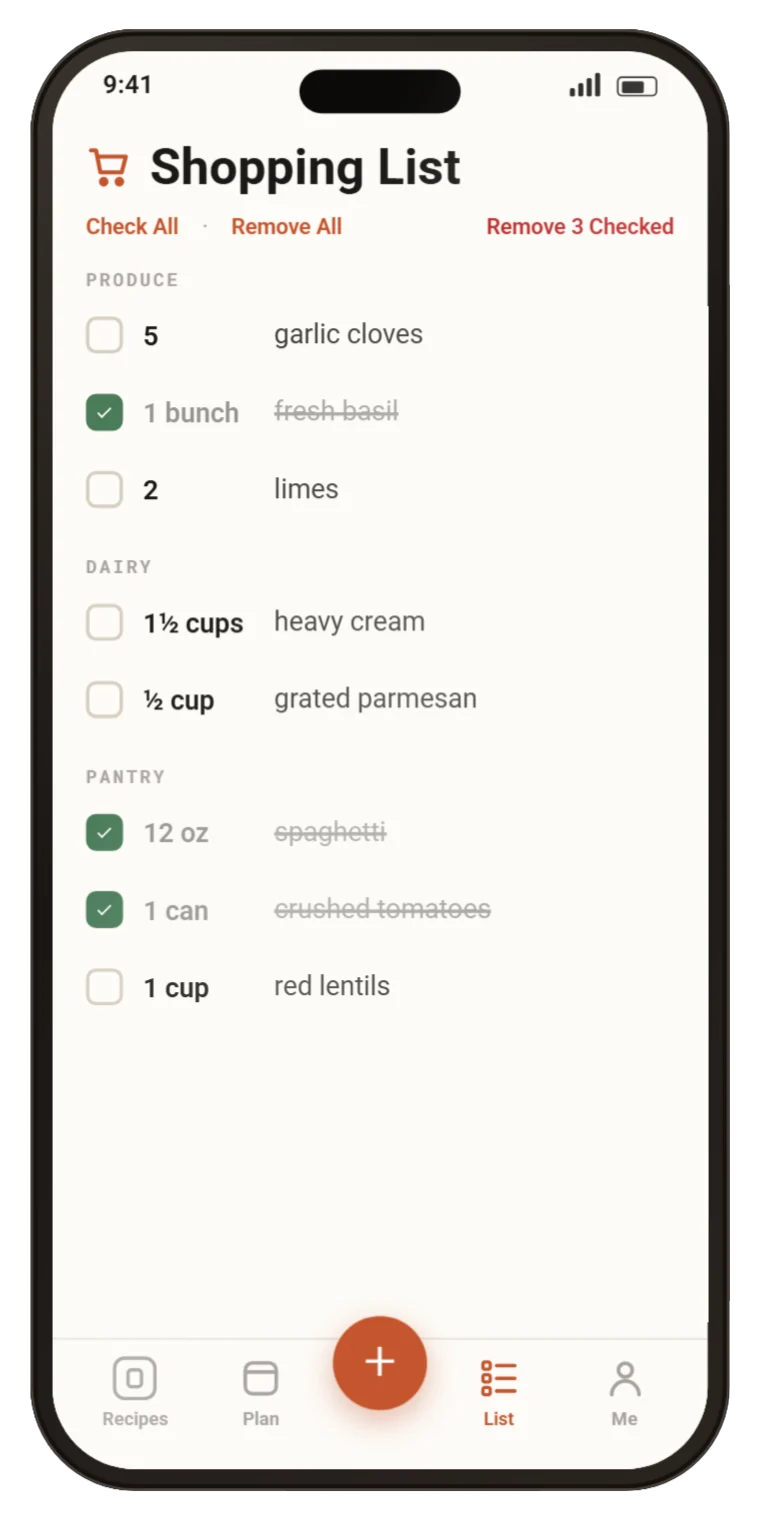
Add a whole recipe in one tap. Matching ingredients combine across every recipe you picked, grouped by aisle, ticked off as you shop.
Calories and nutrients per serving, estimated from the ingredients.
Tell it what you avoid, and recipes that contain it are flagged.
Every recipe you have made, with the dates, your rating and a note for next time.
Private, dated notes on any recipe, for what you changed and what you would change.
Send a link to anyone. With RecipeGo installed it opens straight in the app.
Export everything as a file whenever you like, and delete your account from inside the app. Neither needs you to ask us.
Pricing
The free plan is a real plan, not a trial. It does not expire.
or $29.99 a year — half the monthly price
Prices are in US dollars; the app shows them in your own currency before anything is charged. Subscriptions are billed through the App Store or Google Play and can be cancelled there at any time. Full detail in the Terms of Use.

Free on iPhone and Android. Bring the recipe you were going to cook anyway.